ROS2
On this page
ROS2
This tutorial connects kinematics, ROS2 engineering, and MoveIt 2 planning through a working two-link arm example. It is for developers who want to assemble and run a robot system, from the equations to the complete application.
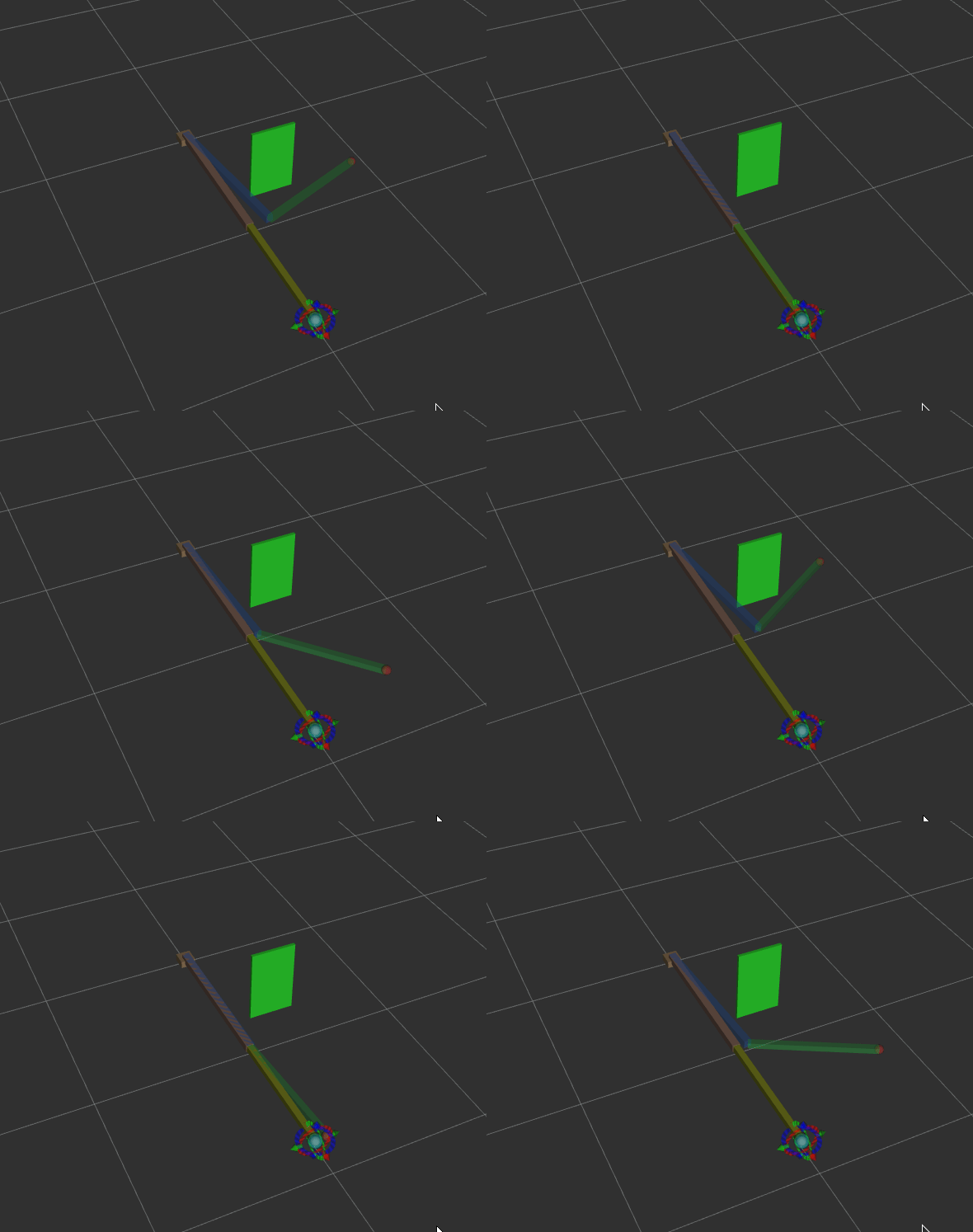
The final demonstration shows the end effector following a planned trajectory with ROS2 Jazzy and MoveIt 2.
1. Why study this tutorial
Knowing individual concepts is often easier than connecting them. This tutorial addresses three gaps:
- Math to engineering: derive FK/IK and implement reusable functions.
- Nodes to systems: combine Topics, Services, Actions, parameters, and Launch files.
- Models to planning: integrate tf2, URDF, and MoveIt 2 into one planning system.
2. Topics covered
| Lesson | Main topics | Practical result |
|---|---|---|
| 1. System introduction | Six robot layers, ROS2, learning sequence | A system overview |
| 2. Kinematics and transforms | Frames, rotation, translation, homogeneous transforms | Foundations for FK |
| 3. Forward and inverse kinematics | Two-link FK/IK derivation and implementation | Reusable functions |
| 4. ROS2 engineering | Workspaces, packages, nodes | Move from scripts to packages |
| 5. Topics | Publishers, subscribers, message types | Continuous communication |
| 6. Services and Actions | Requests, responses, long-running tasks | IK service and action execution |
| 7. Parameters and Launch | Configuration and coordinated startup | Centralized node configuration |
| 8. tf2 | Transform trees, broadcasting, lookup | Consistent coordinate frames |
| 9. URDF and robot_state_publisher | Robot models and state publication | Model-driven TF |
| 10. MoveIt 2 basics | Setup and motion planning | Visualize the first plan |
| 11. MoveIt 2 project | Target input, IK, planning, execution | An integrated simulated system |
| 12. Review and next steps | Review, adaptation, extensions | A path for further learning |
3. Lessons
The detailed lessons are currently in Chinese.
- 1. Course and system introduction
- 2. Kinematics and coordinate transforms
- 3. Forward and inverse kinematics
- 4. ROS2 engineering basics
- 5. Topics
- 6. Services and Actions
- 7. Parameters and Launch files
- 8. tf2
- 9. URDF and robot_state_publisher
- 10. MoveIt 2 basics and motion planning
- 11. MoveIt 2 simulation project
- 12. Review and next steps
4. Suggested sequence
Introduction → Kinematics (2–3) → ROS2 engineering (4–7) → Frames and models (8–9) → MoveIt 2 (10–11) → Review (12)
If time is limited, prioritize 1 → 3 → 5 → 8 → 9 → 10 → 11 to assemble a working system.
Environment setup
The companion code is included at codes/foundations/robotics-and-ros2/ros_ws. The old ros_learning path is obsolete; no separate project of that name is needed. See the code README for dependencies and staged instructions.
Prepare Ubuntu 24.04 and ROS2 Jazzy following lesson 1. The commands below use Bash. Run the first two lines only if you have not cloned the repository; otherwise enter its root directory:
git clone https://github.com/datawhalechina/dive-into-embodied-ai.git
cd dive-into-embodied-ai

export ROS_WS="$(pwd)/codes/foundations/robotics-and-ros2/ros_ws"
echo "$ROS_WS"
The output is an absolute path such as /home/yourname/dive-into-embodied-ai/codes/foundations/robotics-and-ros2/ros_ws. Set ROS_WS in each new terminal, or add an export ROS_WS="..." line with that absolute path to ~/.bashrc. Images and videos use Git LFS; see the contributor guide for downloading all assets.
Companion code
$ROS_WS/scripts/: standalone examples for lessons 2–3. Install NumPy; ROS is not needed.$ROS_WS/src/: your exercise packages, initially empty. Create them as you follow the lessons.$ROS_WS/reference/src/: reference packages assembled from the tutorial. Copy individual files as instructed. Keepreference/COLCON_IGNOREto prevent duplicate package discovery.
| Package | Contents |
|---|---|
my_robot_basics | Kinematics, basic nodes, parameters, and tf2 (4–8) |
my_robot_interfaces | Custom Service/Action interfaces (6) |
my_robot_description | URDF and visualization Launch files, including lesson 10 ros2_control tags (9–10) |
my_robot_planner | Planning clients (10–11) |
my_robot_bringup | System Launch file (11) |
Generate my_robot_moveit_config with MoveIt Setup Assistant in lesson 10; it is not bundled. That lesson's demo_sim.launch.py is stored separately in $ROS_WS/reference/moveit/ for copying after configuration generation. The code README explains how to build lessons 4–9 before moving on to MoveIt.
The reference packages incorporate changes from later lessons for comparison. ROS, RViz2, and MoveIt experiments require Ubuntu / Jazzy; math scripts and static checks do not replace full runtime validation.
Usage notes
- The tutorial defaults to ROS2 Jazzy on Ubuntu 24.04. When using another distribution, substitute its name for
jazzy; the core concepts remain the same. - The MoveIt 2 lessons distinguish C++
MoveGroupInterfacefrom Pythonmoveit_py. - Shell examples consistently use
vimto edit files.