
How to Build Platform, Pixel-Art, and 3D Games with Godot
Godot is a free, open-source game engine. It includes a scene editor, animation tools, physics, audio, input, scripting, and exporters in one application. It is a strong first engine because you can inspect every scene and script without depending on a proprietary service.
This chapter uses three very small prototypes: a 2D platformer, a pixel-art collection loop, and a 3D greybox. The goal is not to pretend that three finished games can be made in one lesson. It is to understand the basic shape of each kind of project and leave with something that really runs.
1. Learn the four words you will see everywhere
- A node is one object with one job: a sprite, camera, collision shape, label, light, or sound.
- A scene is a reusable tree of nodes. A player, a level, and a menu can each be a scene.
- A script gives a node behavior.
- GDScript is Godot's main scripting language. Its syntax is approachable for people who have seen Python, though it is a different language.
Godot also supports C#. Engine extensions and performance-critical systems can use C++, but a beginner does not need C++ for the prototypes below.
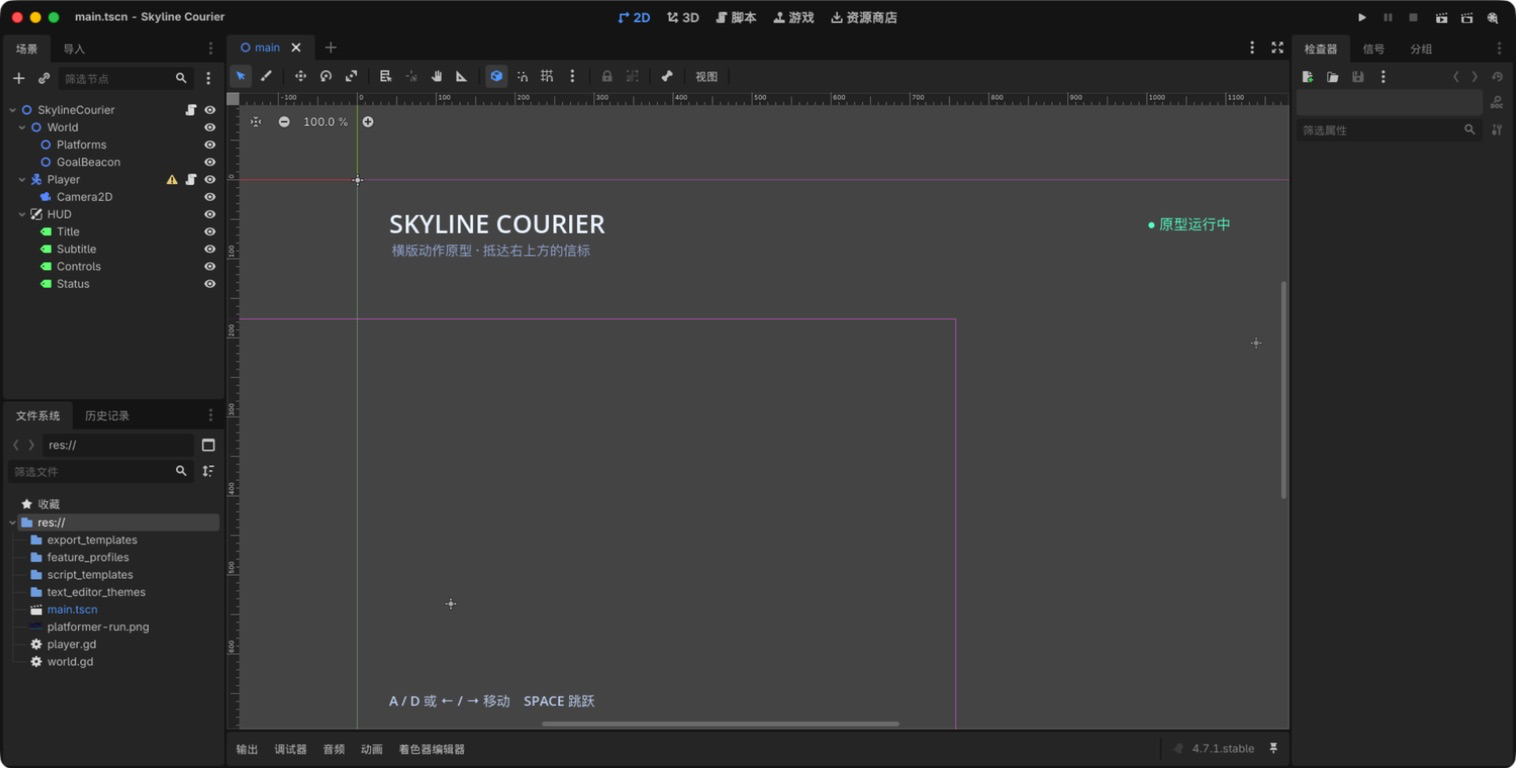
2. Install Godot and open a blank project
Download the current stable release from godotengine.org. Create a project in an empty folder and use the Forward+ renderer for a modern desktop 3D project or Compatibility for broader hardware and web support.
Before asking AI to make a game, create one scene, save it, and press Run. That confirms the editor can load the project.
3. Route one: a small 2D platformer
A released example: Primal Light
Primal Light is a commercial 2D action platformer listed in Godot's showcase. Its screenshots make the route readable: platforms form clear silhouettes, danger contrasts with the background, and the player can see where to go next.
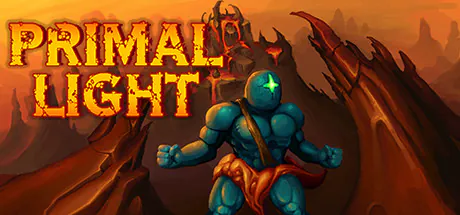
Reference: Primal Light in the Godot Showcase.
Our prototype, Skyline Courier, borrows only those structural ideas: a visible route, simple platforms, and a bright destination.
Ask your coding assistant:
Create a 2D platform level with a player, floor, three platforms, and a visible goal. Use simple shapes for now.
Run it before adding artwork.
Add left and right movement plus jumping. The player must stand on platforms and must not jump again in mid-air.
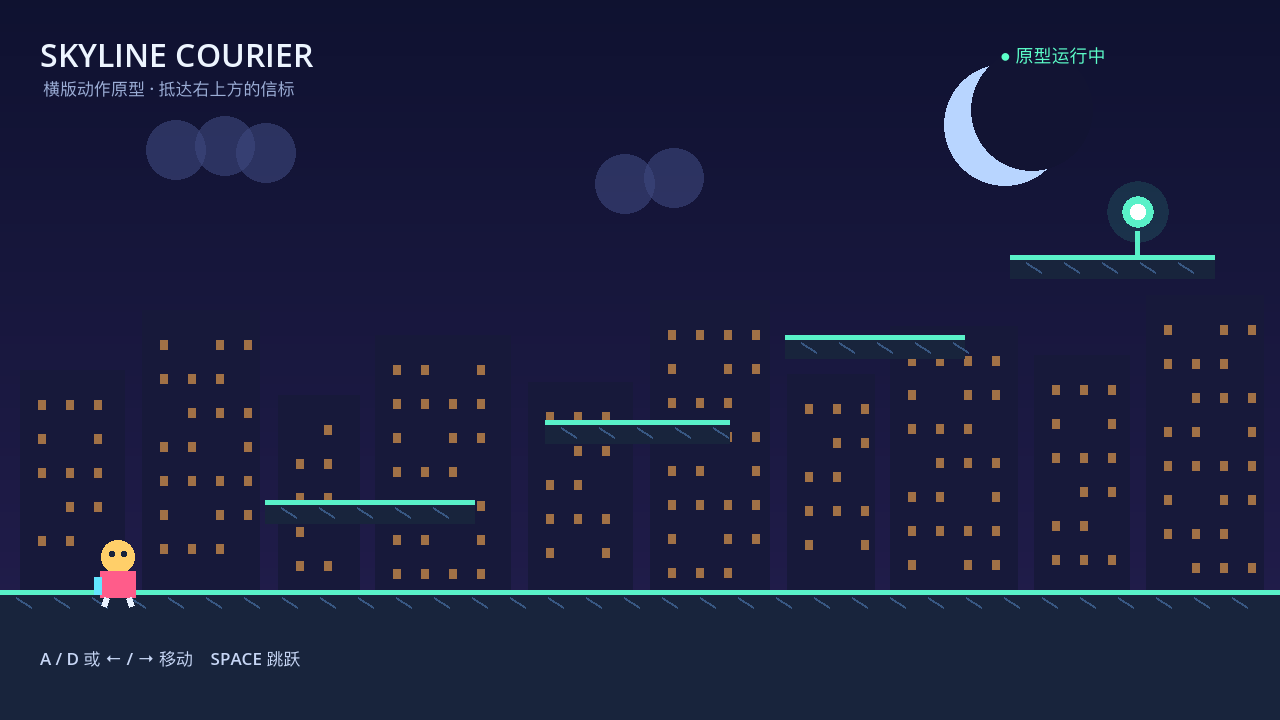
Test walking into platform edges, jumping from every platform, and falling off the level. Then add one restart rule:
If the player falls below the level, return them to the start.
Continue with Godot's first 2D game tutorial.
4. Route two: a pixel-art collection loop
A released example: Dome Keeper
Dome Keeper combines a readable pixel-art surface, mining, resources, and upgrades. The useful reference is not “copy this game.” It is the way a small screen keeps the resource count and immediate objective clear.
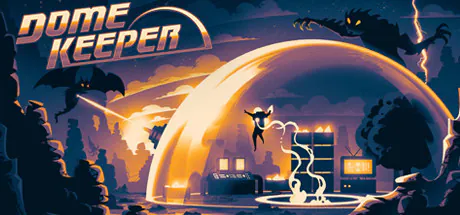
Reference: Dome Keeper in the Godot Showcase.
Our prototype is Lantern Woods: walk through one screen and collect glowing objects.
Create a 320 × 180 pixel-art scene with a player, a forest clearing, three collectibles, and a counter. Keep the artwork as simple colored sprites.
When the player touches a collectible, remove it and increase the counter once.
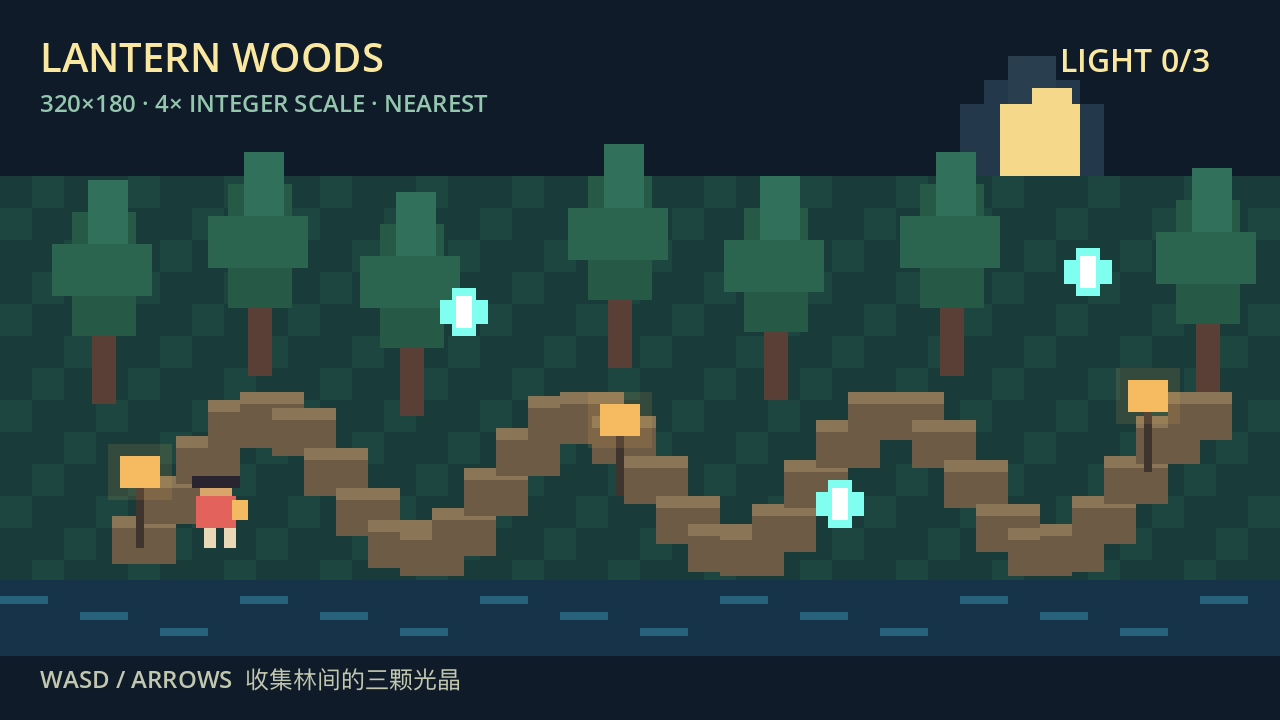
Pixel art becomes blurry when sprites land between display pixels or the viewport scales unevenly. Configure integer scaling and test both windowed and full-screen modes.
Read Godot's multiple resolutions guide and TileMap guide.
5. Route three: a 3D greybox
A released example: Wrought Flesh
Wrought Flesh is a first-person game made with Godot. Its official showcase images are useful references for spatial silhouettes, lighting, and a strong visual target.
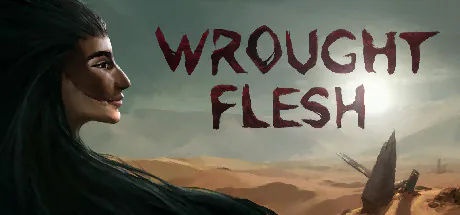
Reference: Wrought Flesh in the Godot Showcase.
A greybox is a level built from boxes, planes, and simple materials before the final models arrive. It lets the team test scale, movement, sightlines, and goals cheaply.
Our greybox is Signal Garden.
Create a small 3D greybox with a floor, walls, a controllable player, a camera, and a glowing exit. Use primitive meshes only.
Add a directional light, soft environment light, and shadows so the route remains readable.
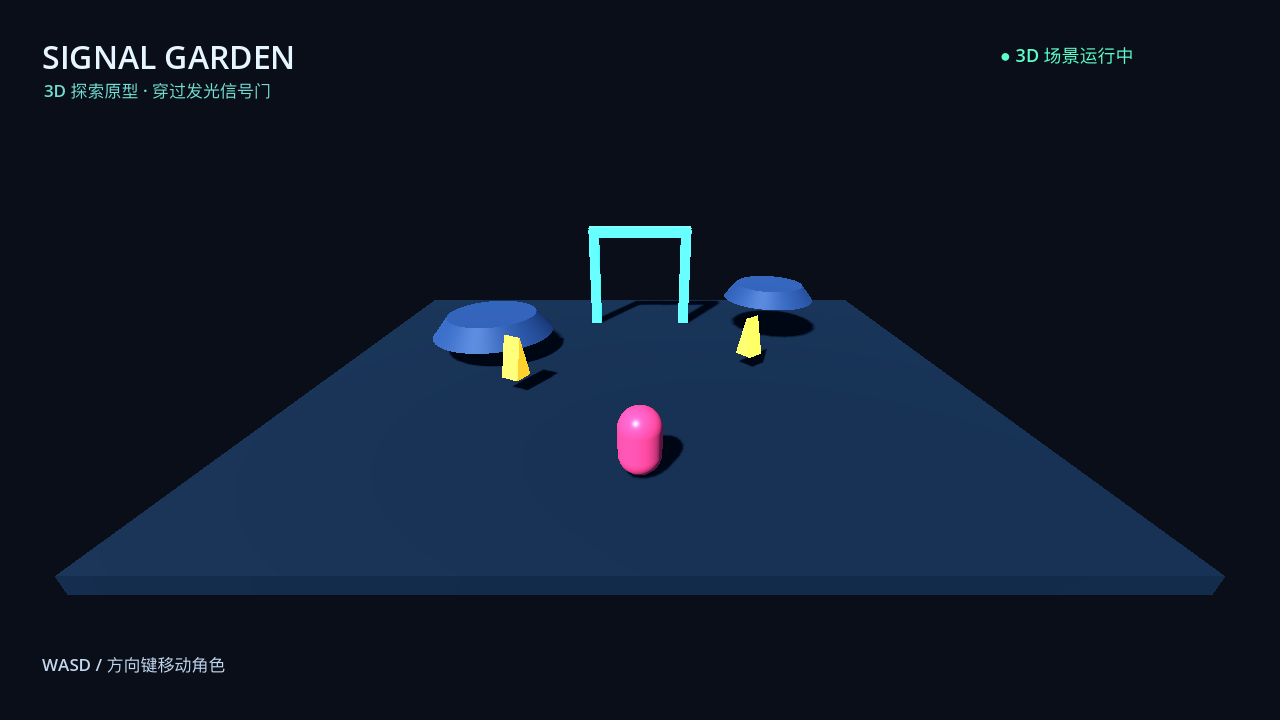
Walk into every wall, look up and down, and confirm the player cannot fall through the floor. Then continue with Godot's first 3D game tutorial.
6. Keep AI changes small
Game projects become difficult to debug when one prompt changes movement, level art, enemies, UI, saving, and export at once. A useful sequence is:
Add only player movement. Do not change the level.
The jump feels too high. Reduce only jump height and show me the value you changed.
Add one collectible and a counter. Do not add enemies yet.
When something breaks, provide the exact error and the node that owns the script:
The project stops with this error: 【paste the error】. Fix only this error and explain how I can verify it.
7. Add assets after the game loop works
Replace one placeholder at a time. Record the asset source and license. Confirm sprite scale, pivot, collision, animation, and import settings after every replacement.
For 3D assets, check physical size and collision separately. A beautiful model does not automatically have a usable collision shape.
Audio deserves the same care: keep music and effects on separate buses and provide volume controls before release.
8. Export is a separate step
Running inside the editor proves only the development version. Open Editor → Manage Export Templates and install templates that exactly match the Godot version. Then use Project → Export to add a preset for the target platform.
Configure the export preset for the current target. Do not change the game.
If export fails:
Export failed with this error: 【paste the error】. Check only the template and export preset.
Desktop builds need a clean-machine test without the Godot editor. Web builds must be served through a local server or HTTPS rather than opened by double-clicking the HTML file. Android and iOS additionally require their SDKs, signing, permissions, and device testing.
9. Where to continue
Choose the prototype closest to the game you want:
- expand the platformer with one enemy and one checkpoint;
- expand the pixel prototype with a larger TileMap and a small resource loop;
- expand the 3D greybox with one interaction and a clearer objective.
The three prototypes in this chapter were loaded and run in Godot 4.7.1 on macOS. Their scene loading, movement basics, collision, counters, and lighting were verified in the temporary test projects shown above.
Windows, Linux, Web, Android, iOS, and console exports were not claimed as complete. Each needs the matching templates, SDKs, signing, and target hardware.
A game begins to feel real when one small loop is worth repeating. Pick one route, make five minutes of play reliable, and only then give it more levels, art, and systems.